mirror of
https://github.com/microsoft/vscode-extension-samples.git
synced 2026-04-27 16:55:44 +08:00
 0b26276bb6
Fixes #180

Changes from using `vscode` to `@types/vscode` for the majority of extension samples. The `@types/vscode` package is much smaller and does not pull in any dependencies.

Other changes:

- Remove so empty test files
- Bump engine versions to match @types/vscode versions
- Use `npm run compile` for most `vscode:prepublish` scripts

Progress Sample
This is a sample extension that shows a running progress in the notification area with support for cancellation.
It is not intended as a product quality extension.
- Open the command palette
- Run "Show Progress"
- Observe the running task in the notification area
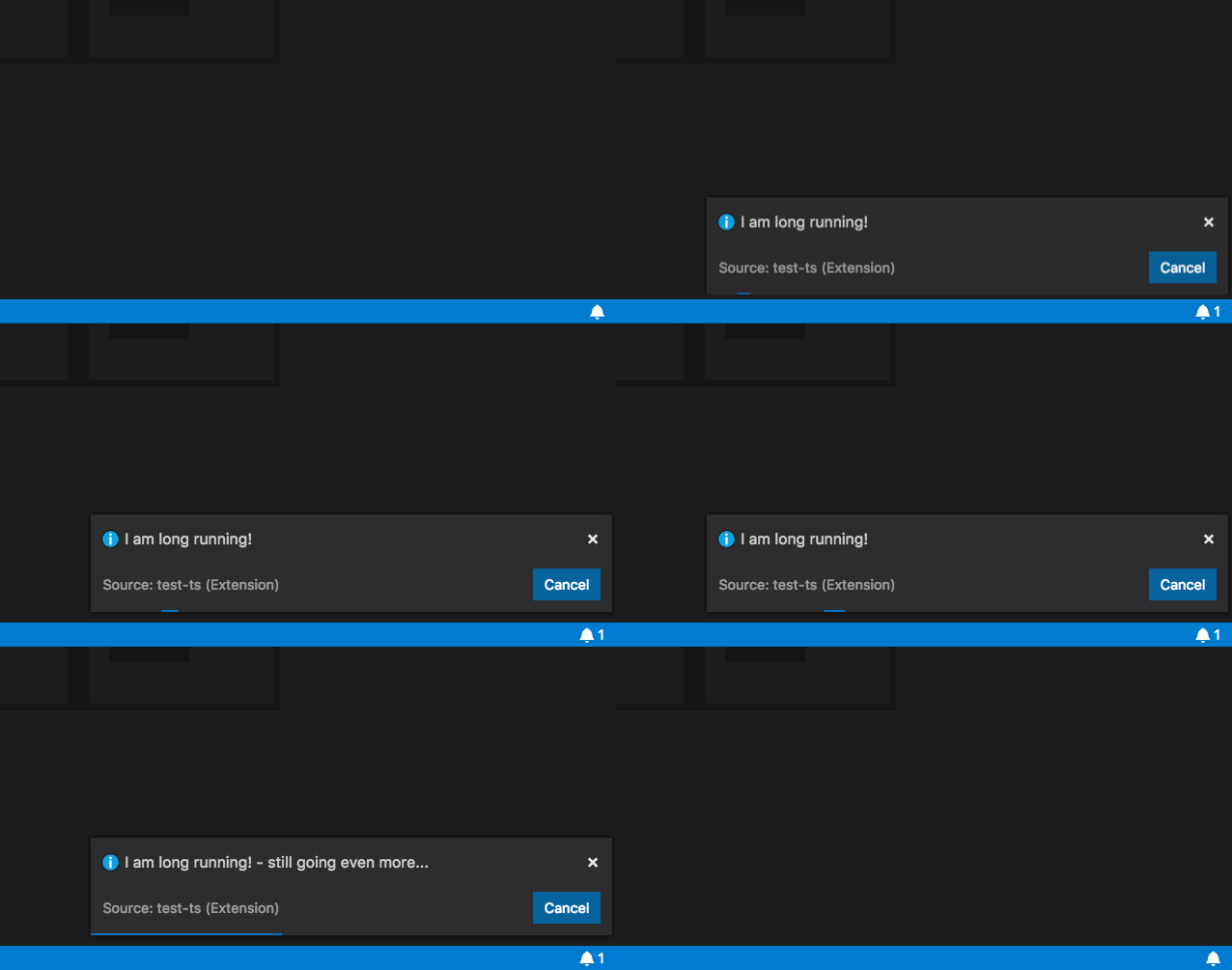
How it works, what it shows?
- The extension uses the
withProgressAPI to show the task in the notification area. - Registers a command via
package.jsonthat will trigger the task
How to run locally
npm run compileto start the compiler in watch mode- open this folder in VS Code and press
F5