mirror of
https://github.com/microsoft/vscode-extension-samples.git
synced 2026-04-27 16:55:44 +08:00


QuickInput Sample
This is a sample extension that shows the QuickInput UI and usage of the QuickInput API.
It is not intended as a production quality extension.
- Open the command palette
- Run "Quick Input Samples"
- Pick one of the samples and see it run
Demo
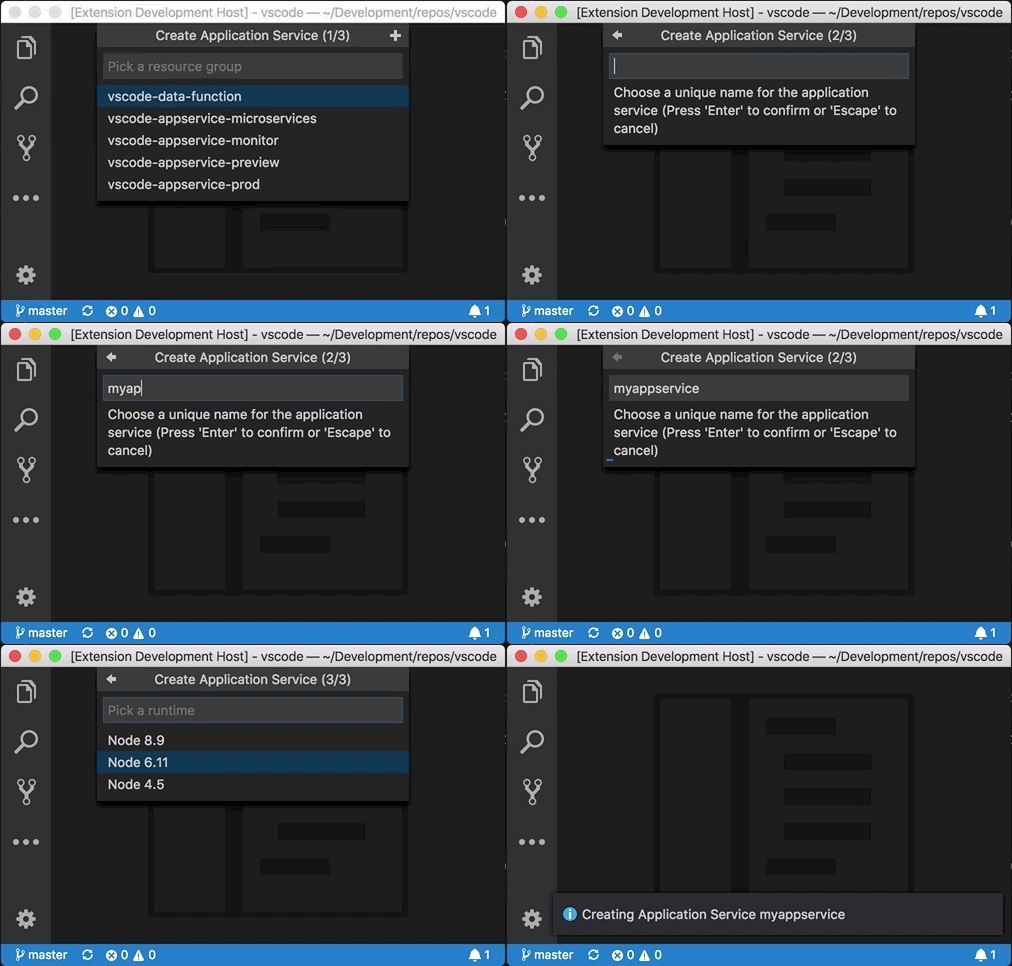
How it works
- The extension uses the
QuickPickandInputBoxAPI to show a UI for user input. - Registers a command via
package.jsonthat will trigger the quick input
VS Code API
vscode module
QuickPickInputBoxwindow.createQuickPickwindow.showQuickPickwindow.createInputBoxwindow.showInputBox
How to run locally
- Run
npm installin terminal to install dependencies - Run the
Run Extensiontarget in the Debug View. This will:- Start a task
npm: watchto compile the code - Run the extension in a new VS Code window
- Start a task