mirror of
https://github.com/microsoft/vscode-extension-samples.git
synced 2026-04-27 16:55:44 +08:00

22 lines
1.0 KiB
Markdown
22 lines
1.0 KiB
Markdown
# Status Bar Sample
|
|
|
|
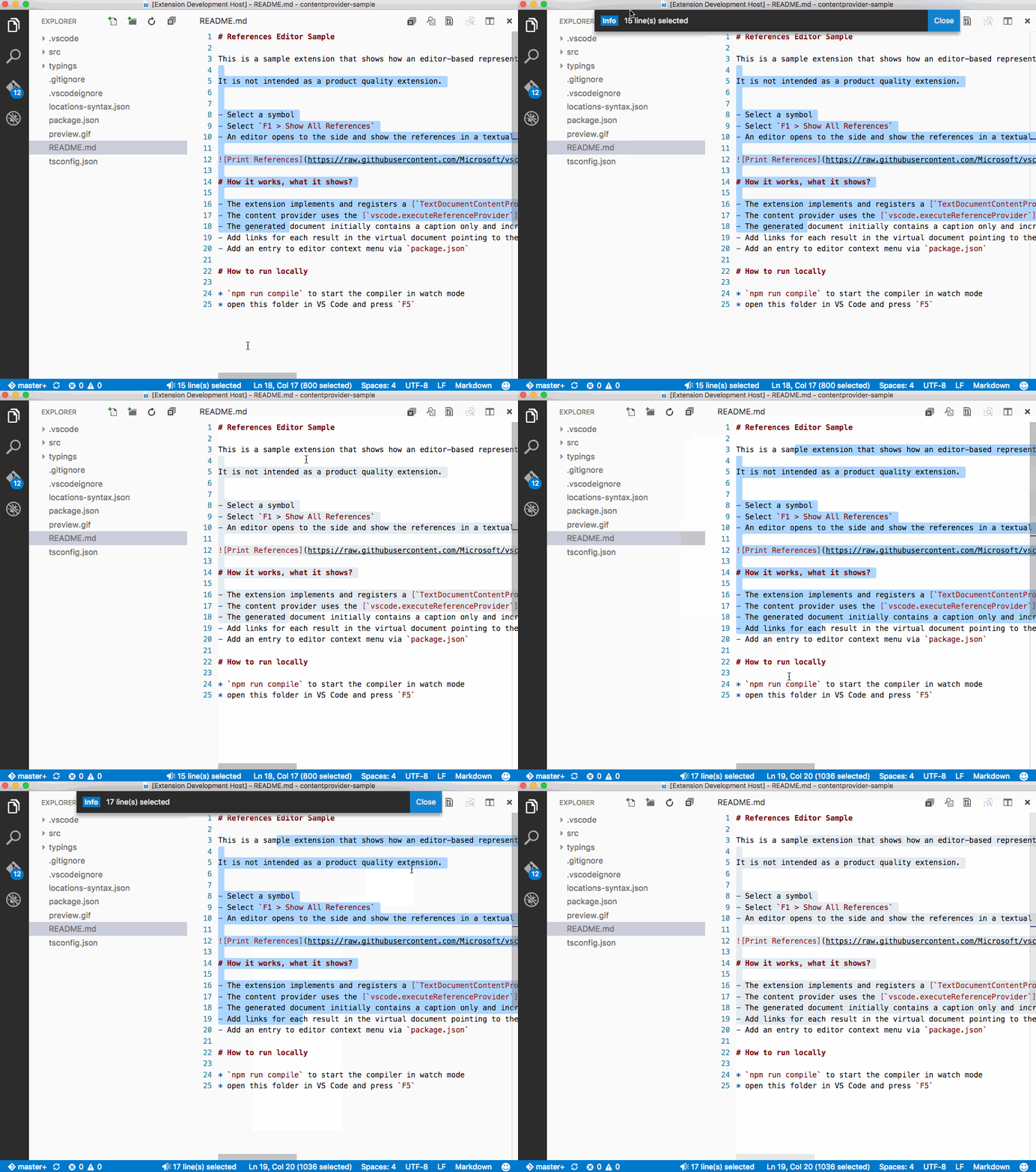
This is a sample extension that adds a status bar entry showing the current number of selected lines.
|
|
|
|
It is not intended as a product quality extension.
|
|
|
|
- Open a text editor
|
|
- Select some lines
|
|
- See the number of selected lines in the status bar
|
|
|
|
|
|
|
|
# How it works, what it shows?
|
|
|
|
- The extension implements and registers a [`StatusBarItem`](http://code.visualstudio.com/docs/extensionAPI/vscode-api#StatusBarItem) to show the number of selected lines.
|
|
- The extension listens to [`events`](http://code.visualstudio.com/docs/extensionAPI/vscode-api#_window) when the active text editor changes to keep the number of selected lines up to date.
|
|
- Registers a command via `package.json` that will show the number of selected lines as message
|
|
|
|
# How to run locally
|
|
|
|
* `npm run compile` to start the compiler in watch mode
|
|
* open this folder in VS Code and press `F5` |